
SSH Key on a Yubikey ~ Almost
Protecting credentials from rogue AI agents and malware on your laptop and how Apple makes it difficult

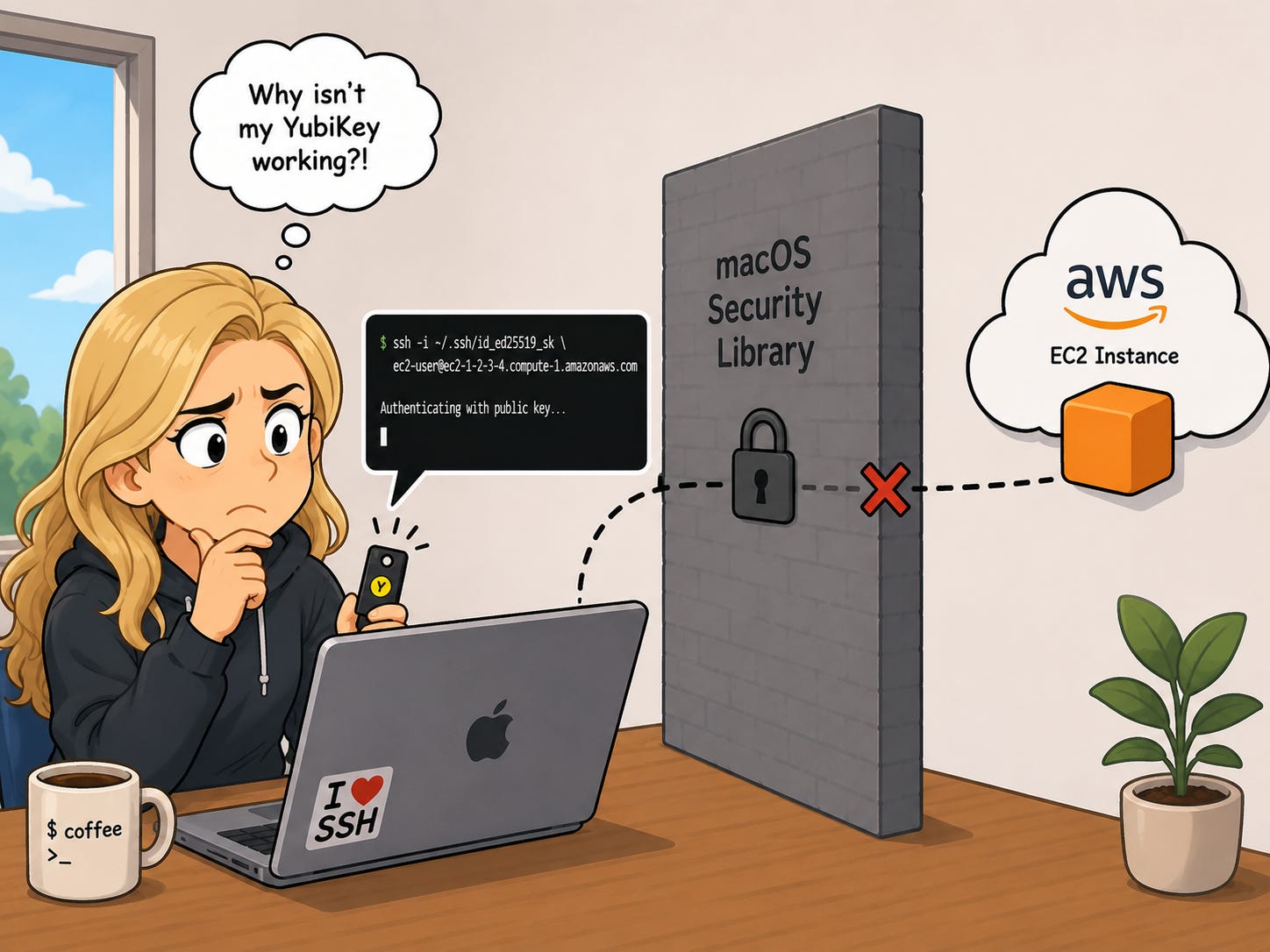
I already run all my development software on a remote EC2 istance locked down to only my IP address. But what about the ssh key I use to connect to the remote EC2 instance? If I’m using SSH to connect then my SSH key is on my host, visible to anyone or any malware that gets access to the host.
Why put your SSH key on your Yubikey?
Even if someone steals both your laptop and your physical YubiKey, they are still completely locked out.
Here’s why in a nutshell from Google:
1. They don’t know your PIN
To activate the key, the attacker must type your YubiKey FIDO2 PIN. Without this PIN, the YubiKey refuses to sign the login request.
2. They can’t guess your PIN
If the attacker tries to guess your PIN, the YubiKey will completely lock itself down after 3 incorrect attempts. After that, the key becomes permanently useless until it is factory reset (which wipes all the keys inside).
3. They can’t fake your physical presence
Even if they somehow bypassed the PIN, the YubiKey requires a physical human touch on the gold contact point to release the cryptographic signature. A remote hacker cannot trigger this over the internet.
Ok let’s do it. Er, try to do it without increasing our attack surface.
Keep reading with a 7-day free trial
Subscribe to Teri Radichel :: Security and Technology Research to keep reading this post and get 7 days of free access to the full post archives.